In this article 12 sections
- What has changed?
- Who can tag Amazon products?
- How to set it up, step by step
- How to link your Amazon account to YouTube
- Go back through your existing videos
- Can’t find the product you want?
- How you see results and get paid
- Disclose your tags
- What if linking doesn’t work?
- Need help getting set up?
- Frequently asked questions
- Sources
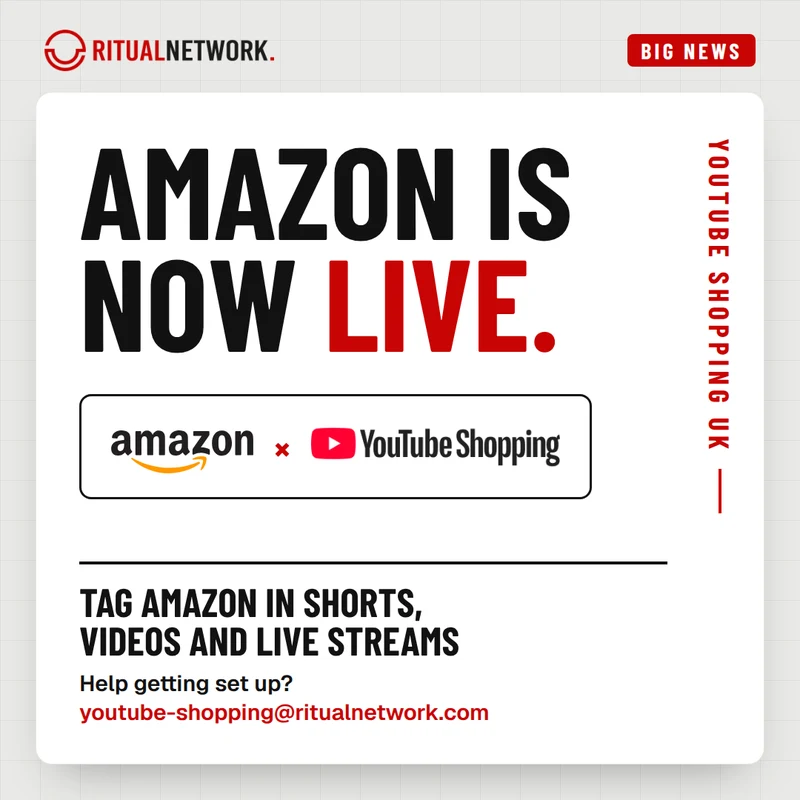
Amazon has joined YouTube Shopping for eligible UK creators. Here is what has changed, how to set it up, and what to do with the videos you have already made.
What has changed?
UK creators in the YouTube Shopping affiliate programme can now tag products from Amazon directly in their Shorts, long-form videos and live streams. Amazon is one of the retailers creators have asked for most, and it joins the retailers already on YouTube Shopping UK, such as Boots, M&S and Currys.
When a viewer taps a product tag on your content, they go straight through to Amazon to shop. They no longer have to scroll through your description to find the right link. YouTube says that in a July 2026 test, videos using product tags alone got over 110% more product clicks than videos using description links alone.
That opens up tagging across tech, beauty, home, fashion, gaming and almost anything you already buy or feature from Amazon.
Who can tag Amazon products?
Amazon tagging is available to creators in the UK and a growing list of other countries (YouTube's help page has the current list). To use it, you need:
- To be enrolled in the YouTube Shopping affiliate programme
- An active Amazon Influencer Program or Amazon Associates account, linked to your YouTube channel
One channel per Amazon account. YouTube says only one YouTube channel per Amazon account can be eligible to tag Amazon products. If you run more than one channel, decide which one to link before you start.
Not in the YouTube Shopping affiliate programme yet? Start there. Our YouTube Shopping UK page explains who can join and how we help.
How to set it up, step by step
- Check you are enrolled in the YouTube Shopping affiliate programme.
- Link your YouTube channel to your Amazon Influencer Program or Amazon Associates account (steps below). If you linked them before September 2024, you will need to link them again.
- Wait for the notification in YouTube Studio. There can be a short delay after linking before Amazon tagging is switched on.
- Tag Amazon products using the product picker in YouTube Studio. It works on new uploads and on videos you have already published.
- Turn on auto-tagging. If it is on, YouTube may review your recent uploads and tag eligible Amazon products for you.
YouTube’s full setup guide is in its Help Centre: Tag Amazon products with YouTube Shopping.
How to link your Amazon account to YouTube
You do this from Amazon, not from YouTube:
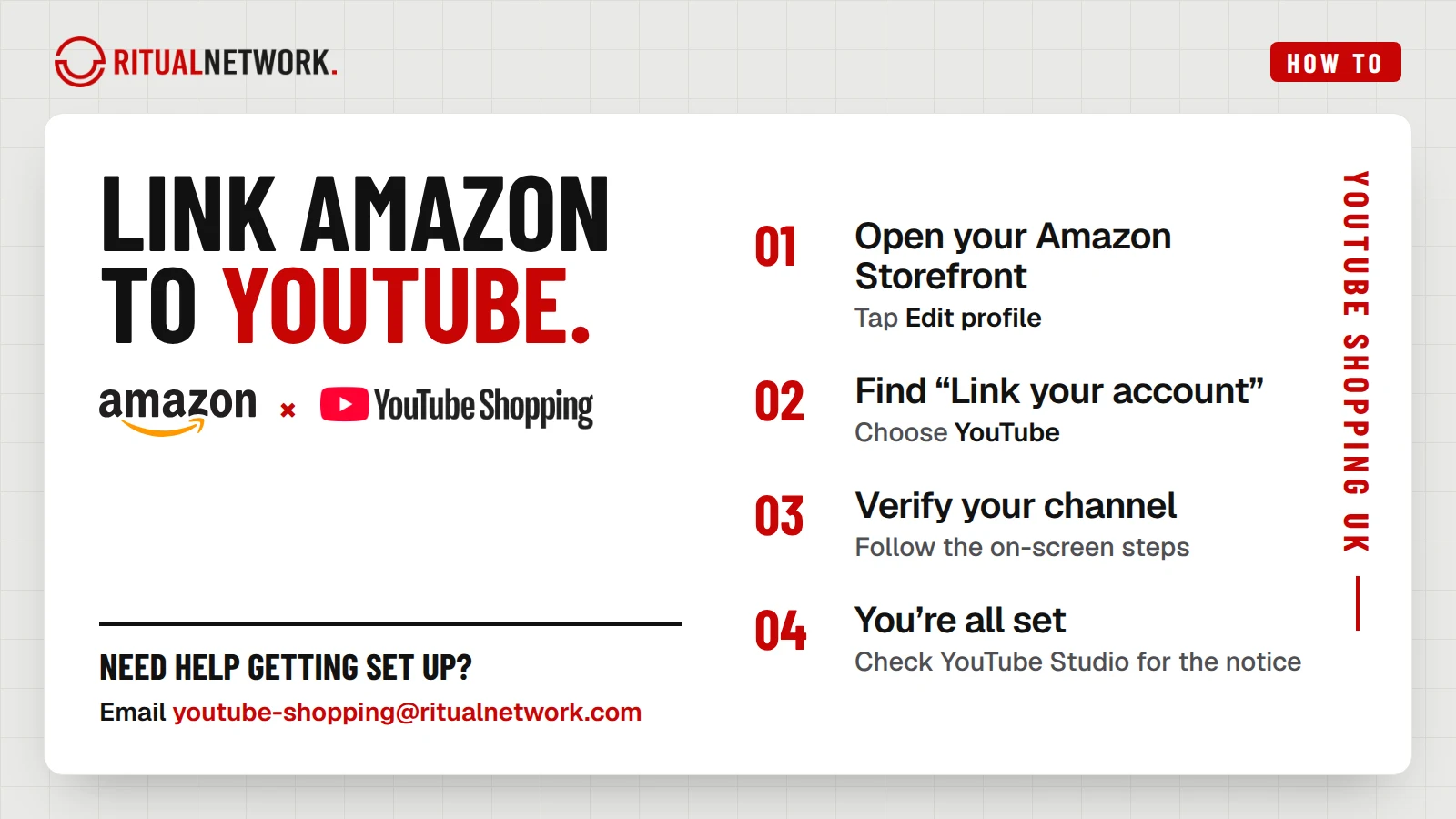
- Go to your Amazon Storefront and select Edit profile.
- Find Link your account and choose YouTube.
- Follow the on-screen steps to verify your YouTube channel.
- You are all set. Look out for the notice in YouTube Studio that Amazon tagging is on.
Go back through your existing videos
You can tag videos you have already published, not just new ones, so your back catalogue is the quickest place to start.
Look for videos where you already use, review or mention something sold on Amazon: desk setups, hauls, tutorials, unboxings, “what’s in my bag” videos and gaming setups. Tag the products you really feature, and only those.
Can’t find the product you want?
You choose from a selection of Amazon products, not everything on the site. If a product you want to tag is not there, you can suggest it to YouTube Creator Support and share the product link.
How you see results and get paid
Clicks and estimated revenue from Amazon tags appear in YouTube Studio Analytics. YouTube has said you will see your overall Amazon earnings, but not a breakdown by individual product or video.
Your finalised Amazon earnings are paid through your AdSense account, together with your other YouTube Shopping affiliate payments. YouTube says Amazon earnings lock monthly and are paid two months later. For example, earnings that lock in January are paid in the March AdSense payment cycle.
If a viewer returns a product, that commission comes off your balance. This can briefly show a negative balance, which carries over until your next earnings.
Viewers outside the UK. Many UK channels have viewers abroad. YouTube says a tag may be matched to a trusted local merchant offer in the viewer's country, so you can earn commission on eligible international purchases. If there is no local match, the tag may send the viewer to Amazon's US shop or their local Amazon shop instead.
Disclose your tags
Product tags are affiliate links, so make that clear to your viewers, in line with UK advertising rules.
What if linking doesn’t work?
First, check you have entered the right YouTube channel details in your Amazon account. If it still won’t link, YouTube’s guide says to email youtubeshopping@amazon.com with your channel URL and your Amazon storefront link.
Ritual creators can also email us, and we will help you work it out.
Need help getting set up?
If you need help getting set up or have any questions, contact your Partner Manager or email youtube-shopping@ritualnetwork.com. Not with us yet? Find out how to join on our YouTube Shopping UK page.
Frequently asked questions
Can I tag Amazon products on YouTube in the UK?
Yes. Amazon is now part of YouTube Shopping for eligible UK creators, in Shorts, long-form videos and live streams.
Do I need an Amazon account to tag Amazon products?
Yes. You need an active Amazon Influencer Program or Amazon Associates account, linked to your YouTube channel.
I run more than one channel. Can they all tag Amazon products?
Only one YouTube channel per Amazon account can be eligible to tag Amazon products, so choose which channel to link.
What happens when viewers outside the UK tap an Amazon tag?
YouTube may match the tag to a trusted local merchant offer, so you can earn on eligible international purchases. If there is no local match, the tag may go to Amazon's US shop or the viewer's local Amazon shop.
Can I see which video made an Amazon sale?
Not at the moment. YouTube shows your overall Amazon earnings, not a breakdown by product or video.
Can I add Amazon tags to old videos?
Yes. Once your accounts are linked you can tag existing videos as well as new uploads, and auto-tagging can tag eligible products across your recent content.
I linked Amazon to YouTube before. Do I need to do it again?
If you linked your accounts before September 2024, yes. YouTube asks you to link them again.
How are Amazon earnings paid?
Through your AdSense account, together with your other YouTube Shopping affiliate payments.
Sources
- YouTube Help: Tag Amazon products with YouTube Shopping (YouTube / Google, checked 29 Oct 2026). The source for UK availability: it lists the UK for Amazon tagging. Also eligibility, one channel per Amazon account, linking and relinking, the product selection, international viewers, analytics, payment timing and returns.
- TeamYouTube: Start tagging Amazon products with the YouTube Shopping Affiliate Program (YouTube Help Community, 27 Aug 2026). The original US announcement. Auto-tagging and the July 2026 product tag test (YouTube internal data, US, 14 to 29 July 2026).
- YouTube Official Blog: YouTube Shopping creators can now tag Amazon products (27 Aug 2026). The original US announcement, for eligible US creators.